07 Jul 2026
Title Office Add-ins Are the Worst Developer Experience I’ve Ever Had
I have worked with a lot of frustrating developer tools. I have fought broken build pipelines, cursed at dependency conflicts, stared into the abyss of legacy enterprise code, and survived documentation that looked like it was written by someone who left the company in 2011.
But Microsoft Office Add-ins?
That is a special kind of pain.
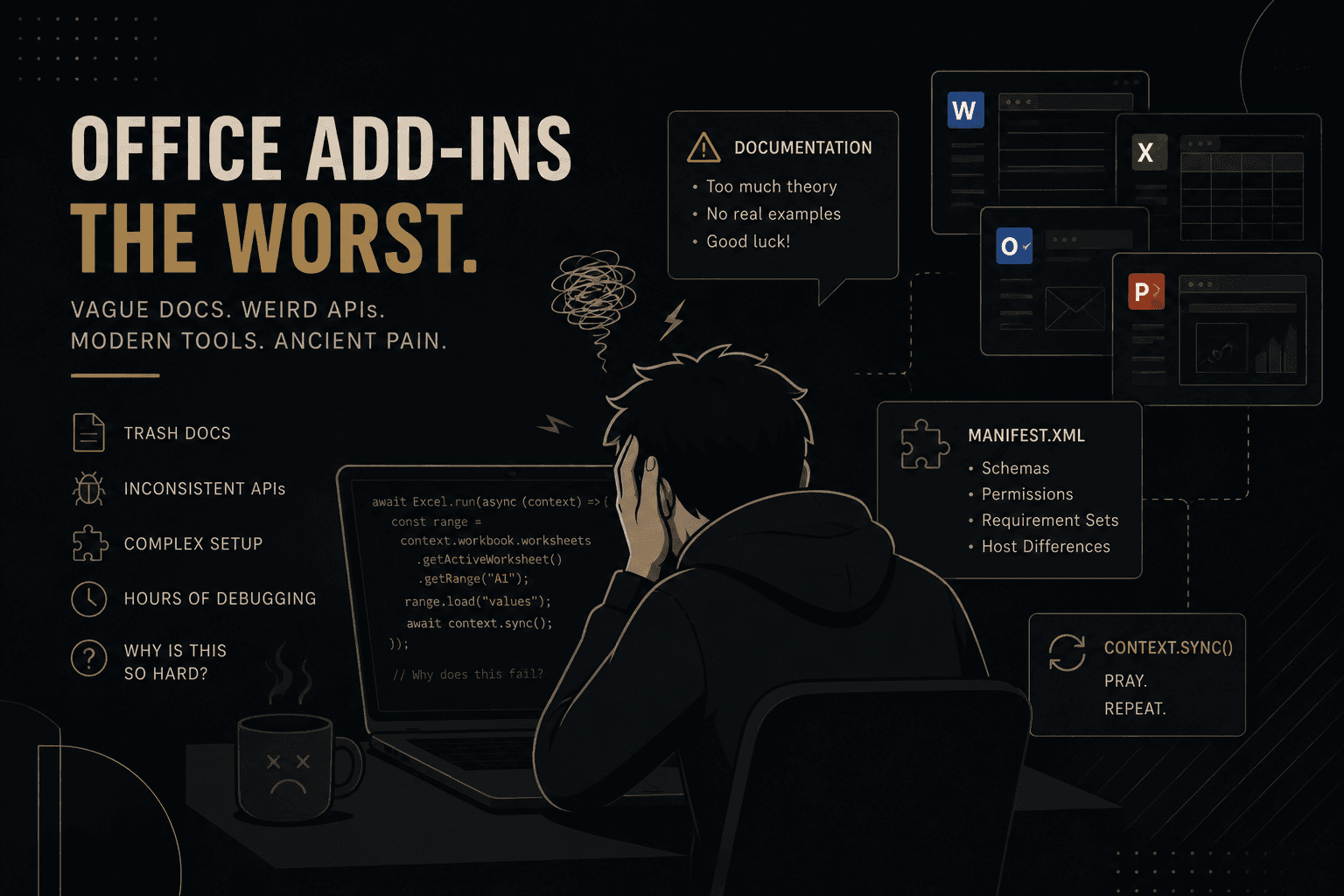
Developing an Office Add-in feels like being invited to build a modern web app, then immediately being locked in a basement with a half-dead enterprise framework, a vague API reference, and documentation that keeps smiling at you while giving you absolutely nothing useful.
On paper, Office Add-ins sound great. You get to use modern web technologies. You can build with React. You can use JavaScript or TypeScript. You can create polished tools inside Word, Excel, Outlook, and PowerPoint. It sounds like a normal web development experience.
It is not.
It is a trap wearing a React hoodie.
The moment you start building, you realize this thing technically supports modern libraries, but the development model often feels like writing machine instructions through a foggy window. You are using React, but somehow the surrounding ecosystem makes you feel like you are programming a toaster with a government-issued manual.
Everything is awkward. Everything is overexplained in the wrong places and underexplained exactly where you need clarity. The APIs feel inconsistent. The examples are either too simple to be useful or so detached from real-world development that they might as well be decorative. You search for one practical answer and end up reading five documentation pages, three GitHub issues, and a Stack Overflow answer from someone named Greg who sounds just as defeated as you are.
And the Microsoft documentation? Painful.
It is not just bad because it is incomplete. It is bad because it gives you the illusion that the answer is somewhere nearby. The docs will describe a concept with confidence, show a tiny example that works only in a perfect vacuum, and then completely abandon you the second your use case becomes even slightly realistic.
Need to understand the lifecycle? Good luck.
Need to know why an API behaves differently across Office apps? Enjoy the mystery.
Need to debug something inside Outlook or Excel where the runtime behaves like it has personal trauma? Have fun.
Need a full real-world React example that does more than render a button and call a toy function? Apparently that is too much to ask.
The worst part is how misleading the “modern web app” pitch feels. Yes, you can use React. Yes, you can write TypeScript. Yes, you can bundle things like a normal frontend developer. But then you slam into the Office.js world, where everything suddenly feels like you are begging an ancient machine spirit for permission to access a document.
Instead of writing clean, straightforward application logic, you end up wrapping everything in strange context calls, syncing state manually, and praying that the host application decides to cooperate. It is React in the same way that eating soup with a fork is technically eating.
You can do it, but why are we living like this?
The developer experience is full of little paper cuts. Authentication is annoying. Debugging is annoying. Deployment is annoying. Manifest configuration is annoying. Sideloading is annoying. Version differences are annoying. Host compatibility is annoying. Even figuring out whether a feature is supported where you need it can become a research project.
And because this lives inside Microsoft Office, you are not just debugging your own code. You are debugging your code, the browser runtime, Office.js, the Office host app, the manifest, the user’s environment, and whatever undocumented behavior Microsoft decided was fine that week.
That is not development. That is archaeology.
What makes it worse is that Office Add-ins could be amazing. The idea is genuinely useful. Building custom workflows directly inside Excel, Word, Outlook, or PowerPoint is powerful. For enterprise users, it can save time, reduce manual work, and create real business value.
But the actual developer experience feels neglected. It feels like Microsoft wants developers to believe this is a polished modern platform, while the reality is a pile of confusing abstractions held together by vague documentation and developer suffering.
The entire ecosystem has this weird contradiction: it encourages you to build modern apps, then constantly punishes you for expecting modern developer ergonomics.
You want React. You get React plus rituals.
You want clear docs. You get 14 pages of conceptual explanation and one useless snippet.
You want predictable APIs. You get “works in Excel on Windows, maybe not on Mac, possibly different in the web version, check requirement sets, good luck.”
You want a pleasant developer experience. You get character development.
After building an Office Add-in, I do not feel like I gained a new skill. I feel like I survived an incident.
The platform is not impossible. You can build things with it. You can ship useful add-ins. You can eventually understand the patterns. But the path there is way more painful than it needs to be, especially for developers coming from a normal modern frontend background.
Office Add-ins feel like Microsoft took web development, enterprise constraints, inconsistent runtime behavior, confusing documentation, and a haunted API surface, then blended them into one developer experience and said, “This is fine.”
It is not fine.
It is trash with a manifest file.
And the worst part?
I will probably still have to build another one.